
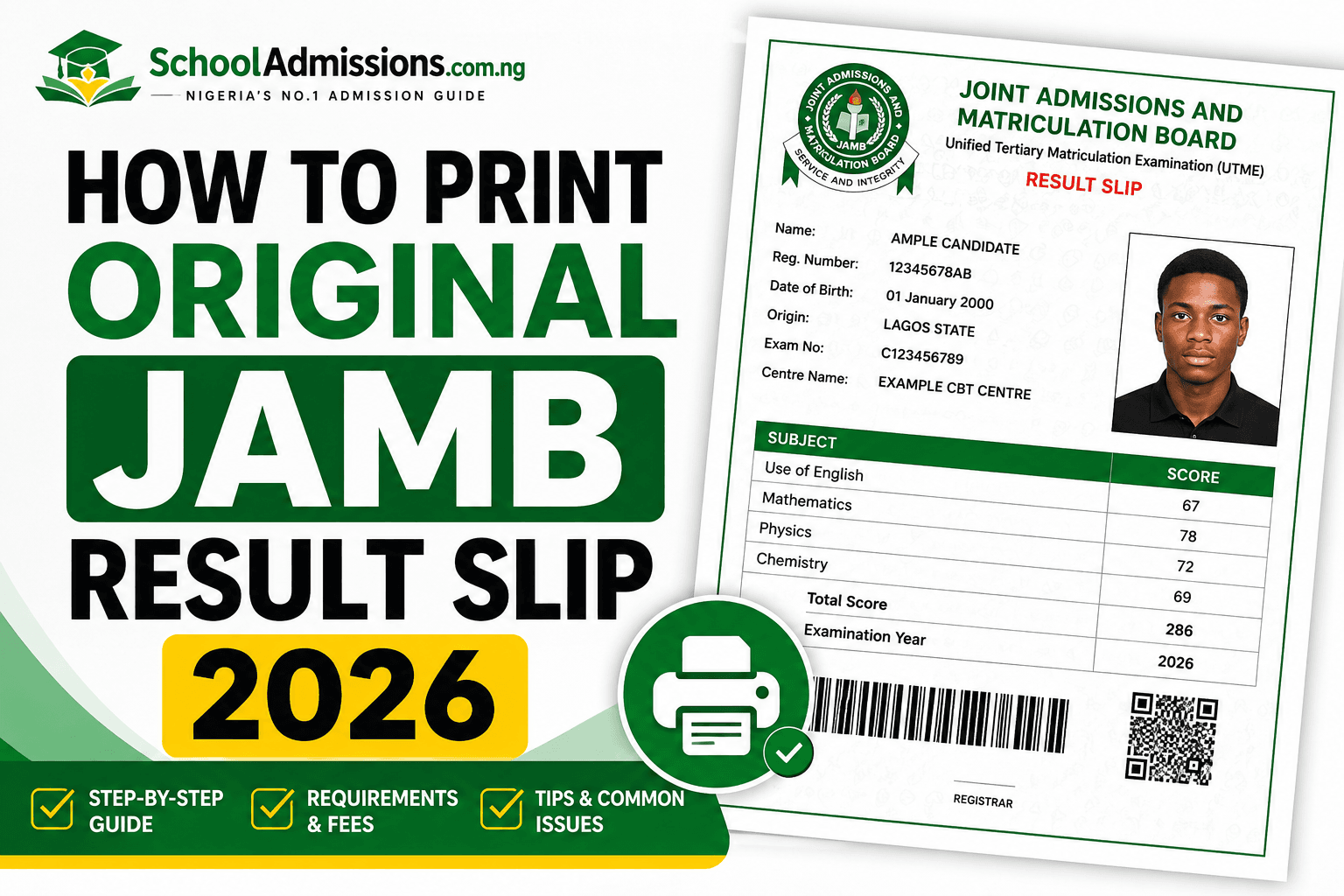
If you’re applying for admission into a Nigerian university, polytechnic, college of education, or planning to process Direct Entry, one of the documents you may be asked to provide is your Original JAMB Result Slip.
Unlike the free UTME result notification, the Original JAMB Result Slip is an official document issued through the JAMB e-Facility portal. It contains your passport photograph, personal details, institution choice, course information, subject scores, and other important examination records.
In this guide, you’ll learn:
- What the Original JAMB Result Slip is
- Who needs it
- Official requirements
- Printing fee
- Step-by-step printing process
- Common issues and solutions
- Frequently asked questions
Difference Between Result Notification and Original Result Slip
| Result Notification | Original Result Slip |
|---|---|
| Free to check | Paid printing service |
| Usually shows scores | Includes passport photograph and additional candidate details |
| For quick reference | Official document for many admission-related purposes |
| Not always accepted as official proof | Widely accepted where an official result slip is required |
Who Needs the Original JAMB Result Slip?
Candidates may need it for:
- University admission
- Post-UTME screening
- Direct Entry
- Scholarship applications
- Student visa applications
- Employment verification
- Personal records
Requirements
Before you begin, make sure you have:
- JAMB profile email address
- Password
- JAMB Registration Number
- Internet connection
- Payment method (for the official printing service)
How Much Does It Cost?
JAMB charges an official fee for printing the Original Result Slip through the e-Facility portal. If you use an accredited CBT centre or cybercafé, an additional service charge may apply.
Because JAMB may review its service charges from time to time, always confirm the current fee on the official portal before making payment. (portal.jamb.gov.ng)
How to Print Original JAMB Result Slip
Step 1
Visit the official JAMB e-Facility portal.
Insert Screenshot: JAMB e-Facility Login Page
Step 2
Log in using your registered email address and password.
Step 3
On your dashboard, locate the service for Print Result Slip.
Insert Screenshot: Candidate Dashboard
Step 4
Generate your payment transaction and complete the payment using one of the available methods.
Step 5
Once payment is confirmed, return to the dashboard and print or download your Original Result Slip.
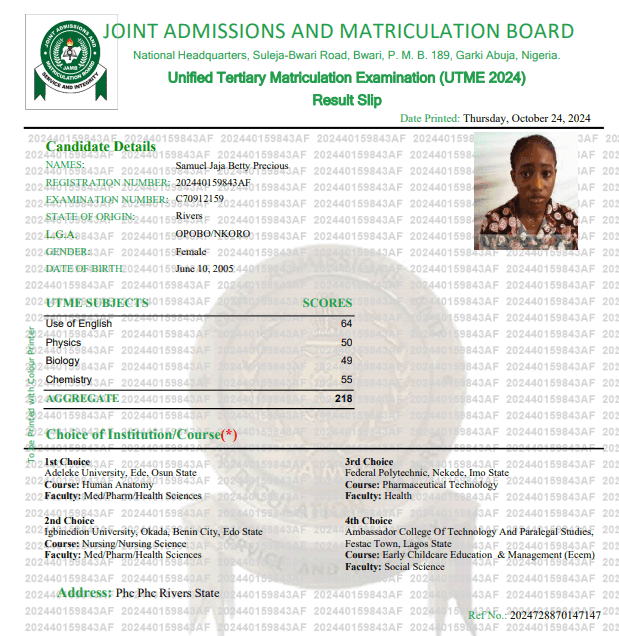
Can You Print It Yourself?
Yes. After successful payment, many candidates can download and print the result slip from their JAMB profile.
If you encounter difficulties or do not have access to a printer, you can visit an accredited JAMB CBT centre for assistance.
Common Problems and Solutions
Payment Successful but Slip Not Available
Wait a short while and refresh your dashboard. If the issue persists, contact JAMB support or visit an accredited CBT centre.
Forgotten Password
Use the Forgot Password option on the JAMB e-Facility portal to reset your password.
Incorrect Email Address
You must log in with the email linked to your JAMB profile.
Printing Errors
Ensure your browser is up to date and that pop-ups are not blocked. Alternatively, download the PDF first and then print it.
Tips Before Printing
- Verify your personal details before downloading.
- Save a digital copy on your device.
- Print multiple copies for future use.
- Store the document safely.
Frequently Asked Questions
Is the Original JAMB Result Slip compulsory?
Some institutions and organizations specifically request the Original Result Slip, so check the requirements of the institution or body you’re applying to.
Can I print it on my phone?
You can access the portal on a phone, but printing is often easier from a computer or at a CBT centre.
Can I print it more than once?
Yes. Once you’ve purchased the service, you can generally access and print the slip again from your profile while it remains available.
Does the Original Result Slip expire?
No. It remains an official record of your UTME result.
Can I use the free result checker instead?
The free result notification is useful for checking scores, but some institutions and organizations specifically require the Original Result Slip.
Related Guides
- How to Print JAMB Admission Letter 2026
- JAMB Change of Institution 2026
- JAMB Change of Course 2026
- JAMB Regularization 2026
- How to Check JAMB Admission Status on CAPS
- How to Upload O’Level Results to JAMB CAPS
- JAMB CAPS Admission Guide 2026
Printing your Original JAMB Result Slip is an important step for many admission-related processes. Ensure you use the official JAMB e-Facility portal, verify your details before printing, and keep both digital and printed copies for future reference. By following the steps in this guide, you can obtain your Original Result Slip quickly and avoid common mistakes that may delay your admission process.



I want to print my results