

If you applied for admission into the Federal University Oye-Ekiti (FUOYE) for the 2026/2027 academic session, you’re probably wondering whether the admission list has been released.
This guide explains everything you need to know about the FUOYE Admission List 2026/2027, including how to check your admission status on the FUOYE portal and JAMB CAPS, what “Admission in Progress” means, how to accept your admission, and what to do after receiving an admission offer.
Is the FUOYE Admission List 2026/2027 Out?
Not yet.
As of the latest official update, FUOYE has not yet released the undergraduate admission list for the 2026/2027 academic session. The university is currently processing applications following the 2026/2027 Post-UTME screening exercise. Candidates are advised to monitor both the FUOYE admission portal and JAMB CAPS regularly for admission updates. The university has already published its approved programme cut-off marks and completed the online screening process.
FUOYE normally releases admission lists in batches (Merit, Supplementary, and subsequent batches), so candidates whose names do not appear initially should continue checking.
Requirements Before Checking Your Admission Status
Before checking your admission status, ensure you have:
- Your JAMB Registration Number
- Your JAMB eFacility login details
- A stable internet connection
- A smartphone or computer
How to Check FUOYE Admission Status on the School Portal
Once the admission list is released, follow these steps:
Step 1
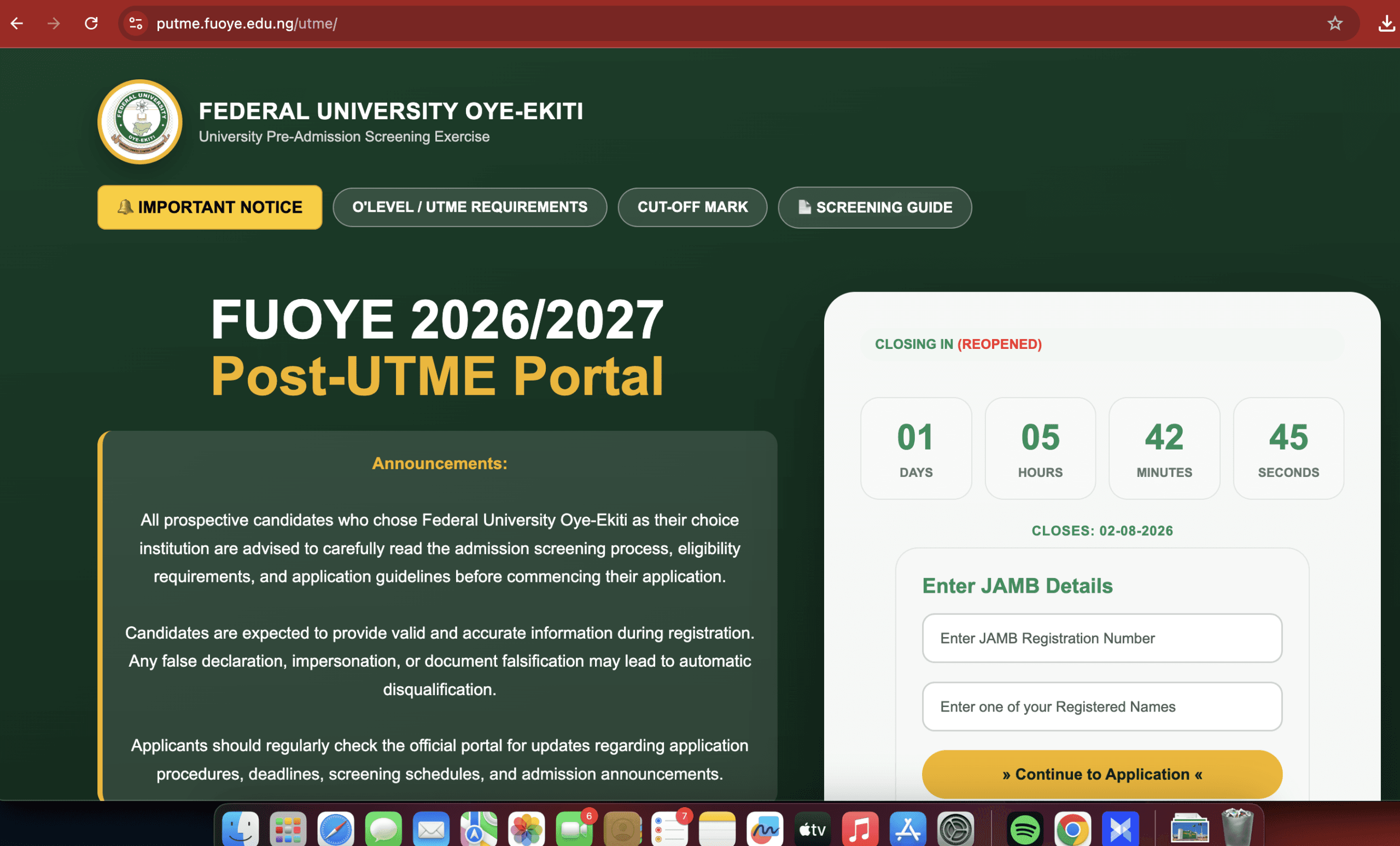
Visit the FUOYE Admission Portal.
Step 2
Log in using your JAMB Registration Number and other required details.
Step 3
Open your admission dashboard.
Step 4
Click Admission Status.
Step 5
Your admission status will be displayed.
How to Check FUOYE Admission Status on JAMB CAPS

Sometimes admission appears on JAMB CAPS before it is reflected on the school portal.
Follow these steps:
- Visit the JAMB eFacility Portal.
- Log in with your registered email and password.
- Click Check Admission Status.
- Select 2026 as your examination year.
- Click Access My CAPS.
- Open Admission Status.
- View your admission status.
If you have been admitted, you’ll see Congratulations!
Related Guide: How to Check JAMB Admission Status on CAPS
What Does “Admission in Progress” Mean?
If your status shows Admission in Progress, don’t panic.
It simply means:
- FUOYE is still processing admissions.
- Your admission is awaiting final approval.
- JAMB CAPS has not synchronized your admission.
- More admission batches are expected.
If your status has remained unchanged for a long time, read our guide: JAMB Admission Not Showing on CAPS? Causes and Solutions
What to Do After Seeing “Congratulations”
Once you’ve been offered admission:
- Accept your admission on JAMB CAPS.
- Print your JAMB Admission Letter.
- Print your Original JAMB Result Slip.
- Pay the FUOYE acceptance fee when officially announced.
- Complete online clearance.
- Register your courses.
- Pay your school fees before the deadline.
Failure to complete these steps within the stipulated period may affect your admission.
How to Accept Admission on JAMB CAPS
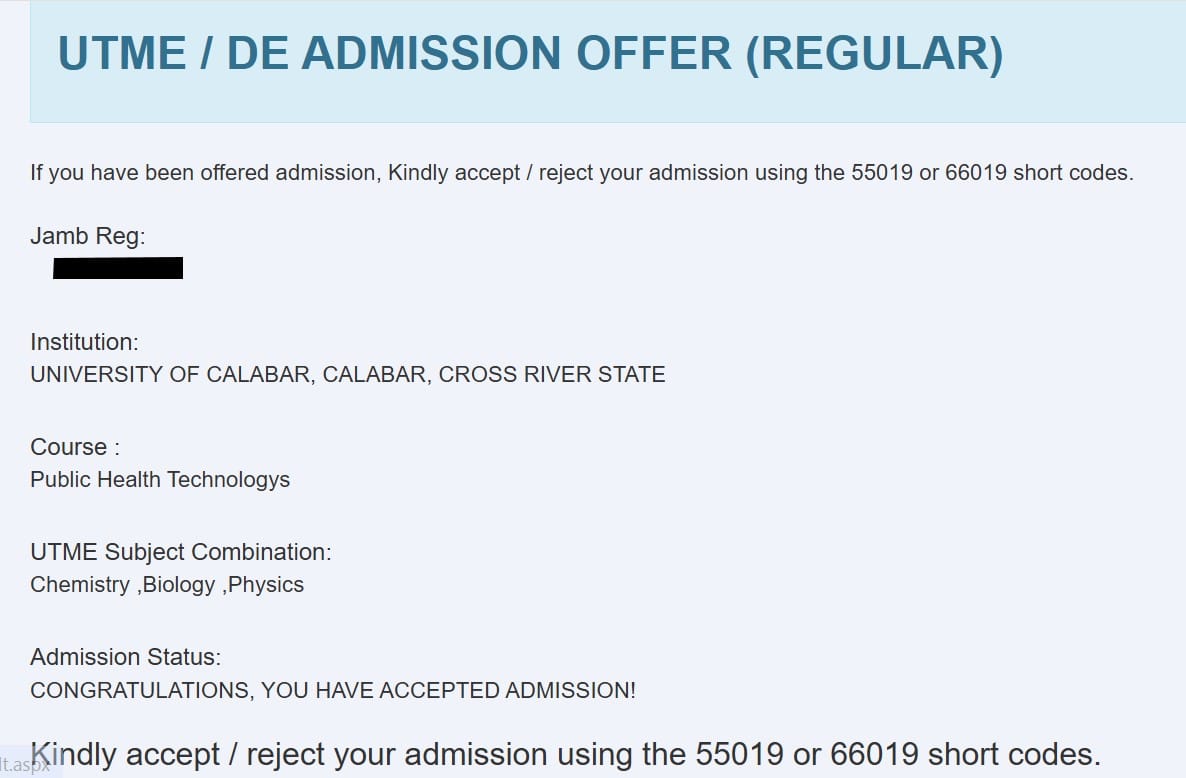
After confirming your admission:
- Log in to JAMB CAPS.
- Click Admission Status.
- Select Accept Admission.
- Confirm your decision.
Need a complete guide?: How to Accept or Reject Admission on JAMB CAPS
How to Print Your JAMB Admission Letter
After accepting your admission:
- Log in to your JAMB profile.
- Click Print Admission Letter.
- Make the required payment.
- Download and print your admission letter.
Complete guide: JAMB Admission Letter: How to Print Yours Online
FUOYE Acceptance Fee
At the time of writing, FUOYE has not yet announced the acceptance fee for newly admitted undergraduate students for the 2026/2027 academic session.
Successful candidates should only make payments after the university publishes official payment instructions through its admission portal.
Final Thoughts
Although the FUOYE Admission List for the 2026/2027 academic session has not yet been released, candidates should continue checking both the FUOYE admission portal and JAMB CAPS regularly. Once admitted, ensure you accept your admission promptly and complete all registration requirements before the university’s deadlines.
Related Guide
- JAMB CAPS Admission Guide
- How to Check JAMB Admission Status on CAPS How to Accept or Reject Admission on JAMB CAPS
- JAMB Admission Letter: How to Print Yours Online
- How to Print Original JAMB Result Slip
- How to Upload O’Level Results to JAMB CAPS
- JAMB Portal Login 2026: How to Access Your eFacility Account
- How to Retrieve JAMB Registration Number
- JAMB Change of Institution
- JAMB Regularization
- JAMB Admission Not Showing on CAPS? Causes and Solutions
Official FUOYE Admission Portal: https://putme.fuoye.edu.ng/
Official FUOYE Website: https://fuoye.edu.ng/
If admission is offered, accept it through the appropriate JAMB and FUOYE channels and complete your registration before the stated deadline.