
If you participated in the 2026 Unified Tertiary Matriculation Examination (UTME) and applied for admission into a Nigerian university, polytechnic, college of education, or other tertiary institution, one of the most important steps is checking your admission status through the Joint Admissions and Matriculation Board (JAMB) Central Admissions Processing System (CAPS).
The JAMB CAPS portal allows candidates to monitor their admission progress, view admission offers, accept or reject admission, and confirm important admission details. Since all admissions processed by JAMB are reflected through CAPS, every candidate should know how to use the platform correctly.
In this guide, you’ll learn:
- Practical tips to improve your chances of a successful admission
- How to check your JAMB admission status on CAPS
- How to access the JAMB CAPS portal
- How to accept or reject an admission offer
- What different admission statuses mean
- Common reasons admission may not appear
Requirements Before Checking Your Admission Status
Before logging into the JAMB CAPS portal, make sure you have:
- Your JAMB registration number
- The email address used during JAMB registration
- Your JAMB eFacility password
- A stable internet connection
- A smartphone or computer
How to Check Your JAMB Admission Status
Follow these steps:
Step 1
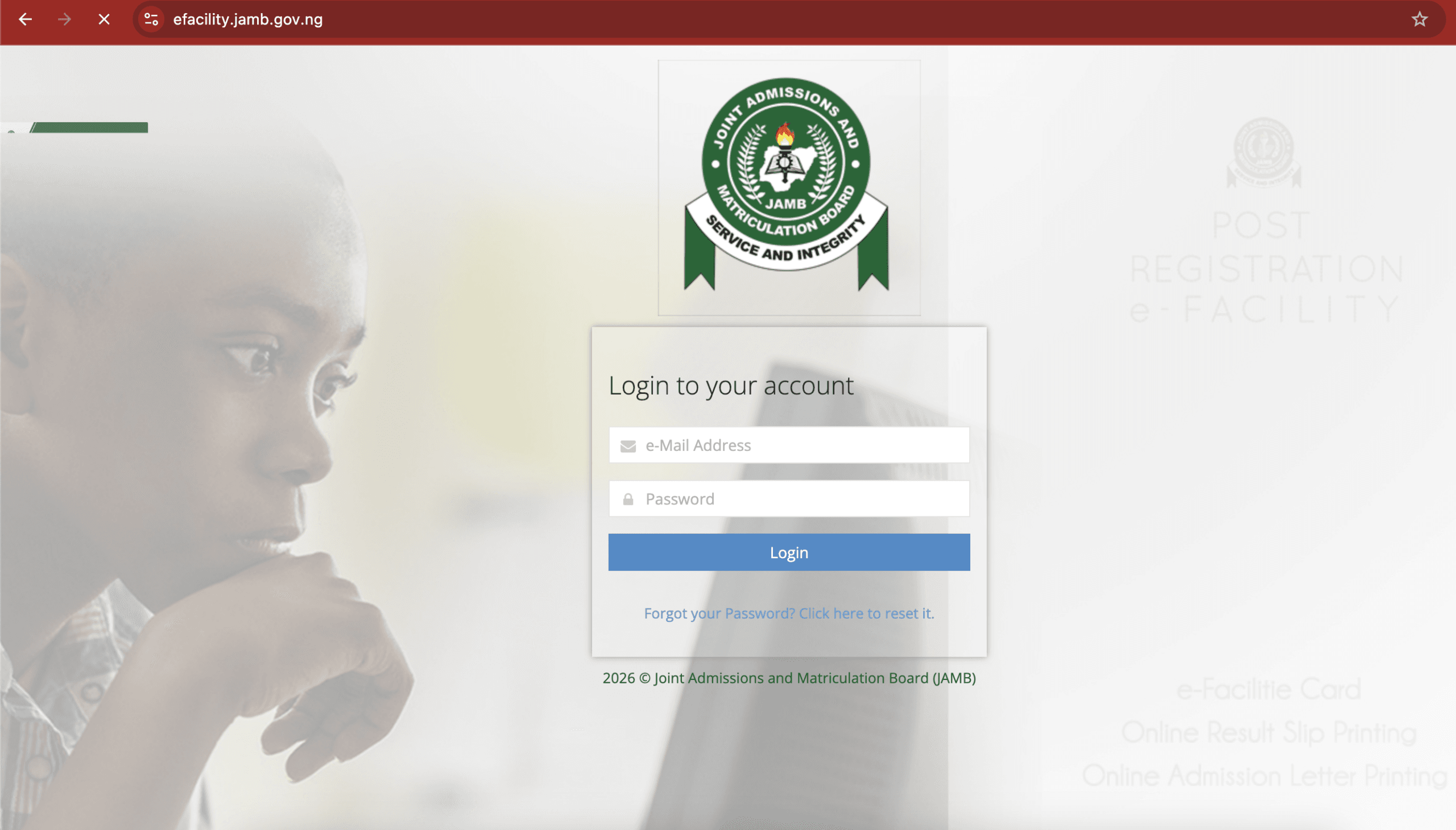
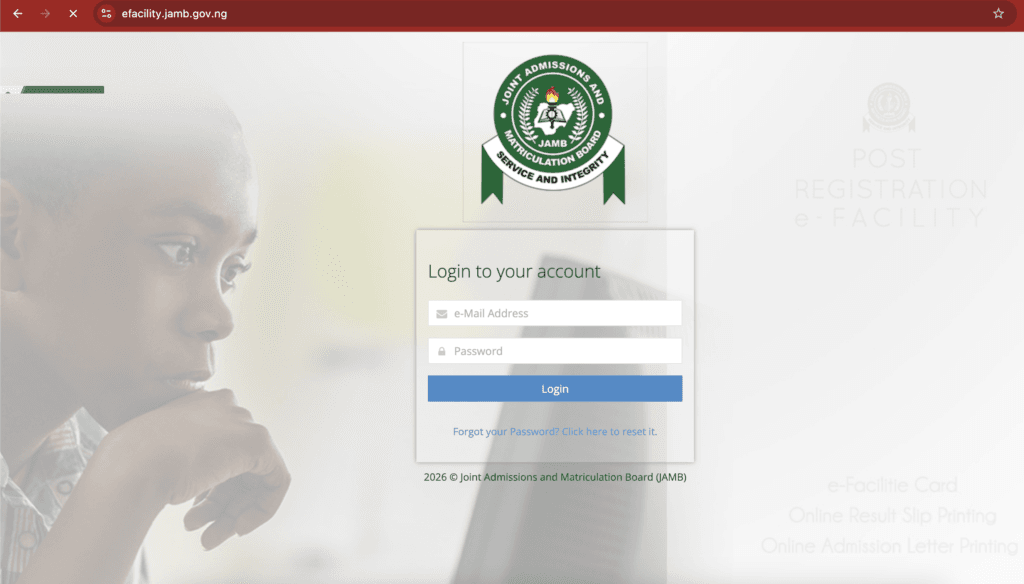
Visit the official JAMB eFacility portal.
Step 2
Log in using your registered email address and password.
Step 3
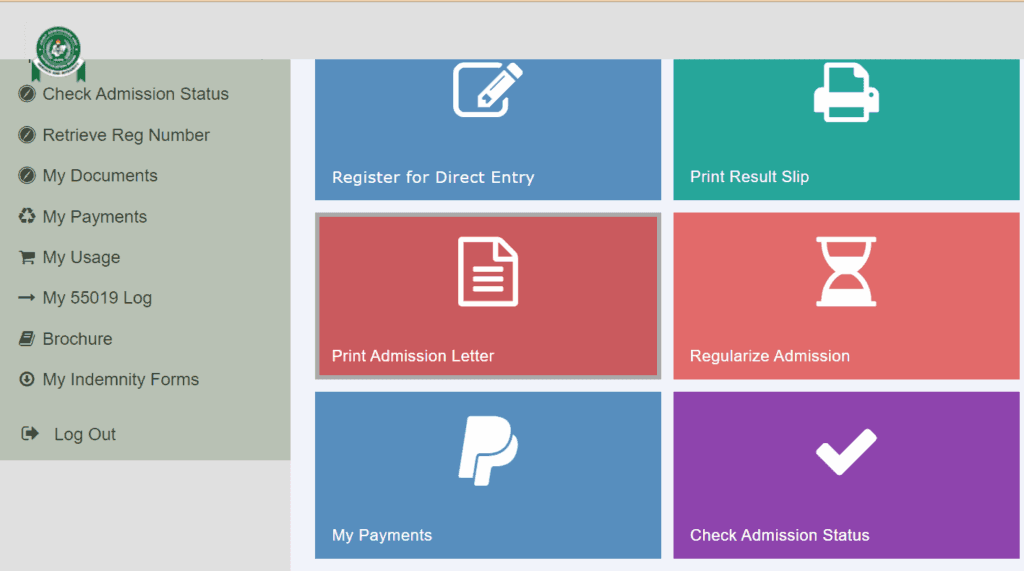
After logging in, scroll down and click:
Check Admission Status
Step 4
Select your examination year.
Step 5
Click:
Access My CAPS
Step 6
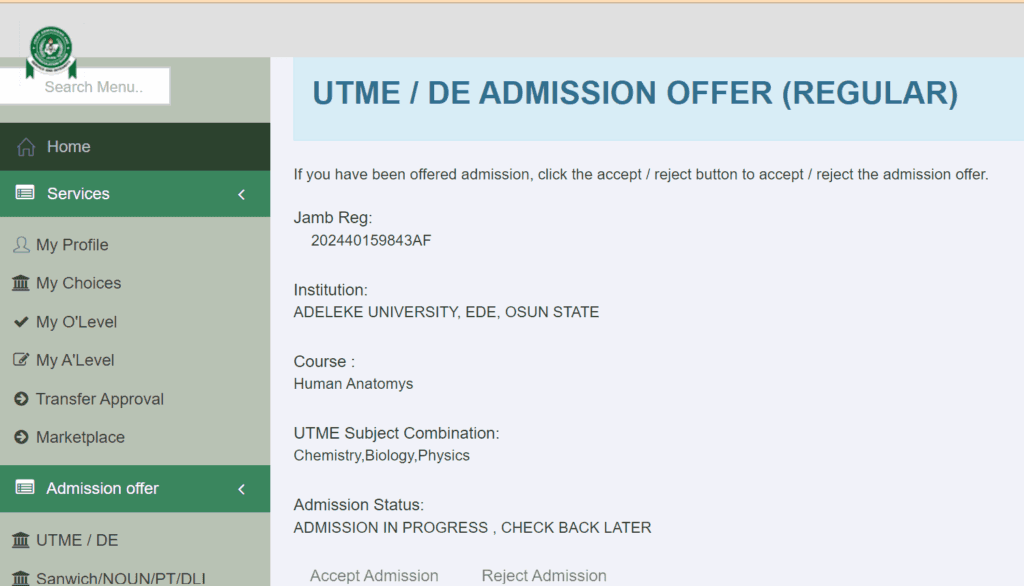
Inside CAPS, your current admission status will be displayed.
What Your JAMB Admission Status Means
Admission Offered
Congratulations! Your institution has offered you admission.
You should review the details and decide whether to accept or reject the offer.
Admission in Progress
Your institution is still processing your admission.
This is normal, and you should continue checking your CAPS profile periodically.
Not Admitted
This simply means no admission has been offered yet. Institutions release admission lists at different times, so continue monitoring your CAPS account and your chosen institution’s official announcements.
Awaiting Result
This status usually indicates that your O’Level result has not yet been successfully linked to your JAMB profile.
If you haven’t uploaded your WAEC, NECO, or NABTEB result, visit an accredited JAMB Professional Registration Centre (PRC) or approved CBT centre.
👉 Related Guide: How to Upload O’Level Results to JAMB CAPS (2026/2027 Guide)
How to Accept Admission on JAMB CAPS
Once you receive an admission offer:
- Log in to the JAMB eFacility portal.
- Open Check Admission Status.
- Click Access My CAPS.
- Review your admission details.
- Click Accept Admission.
- Confirm your decision.
After accepting admission, you can proceed with your institution’s registration requirements when instructed.
How to Reject Admission
If you decide not to accept the admission offered:
- Open your CAPS profile.
- Select Reject Admission.
- Confirm your decision.
Only reject an admission if you fully understand the implications, as it may affect your admission process.
Why Your Admission Is Not Showing
There are several reasons your admission status may not appear yet:
- Your institution has not uploaded its admission list.
- Admission processing is still ongoing.
- Your O’Level result has not been uploaded successfully.
- Your chosen institution has not finalized admissions.
If none of these apply, contact your institution’s admissions office or JAMB for clarification.
Frequently Asked Questions
Can I check my admission status on my phone?
Yes. The JAMB eFacility portal is accessible through most modern mobile browsers.
How often should I check CAPS?
Checking once or twice a day during the admission period is generally sufficient.
Can I accept admission after rejecting it?
Policies may vary depending on JAMB and your institution. Before rejecting an admission offer, make sure you understand the consequences.
Do I need to upload my WAEC or NECO result?
Yes, if required for your admission. Without a successfully uploaded O’Level result, your admission may not progress.
👉 Read Next: How to Upload O’Level Results to JAMB CAPS (2026/2027 Guide)
Conclusion
Checking your JAMB admission status through CAPS is an essential part of the admission process. By regularly monitoring your CAPS profile, ensuring your O’Level result has been uploaded, and responding promptly to any admission offer, you can avoid unnecessary delays.
If you encounter issues, always rely on official JAMB channels or your institution’s admissions office for guidance.